
FEATURES
Everything you need. Nothing you don’t.
SUMn does one job and does it well: getting help to a colleague quickly, by telling everyone exactly where to go.

Alerting
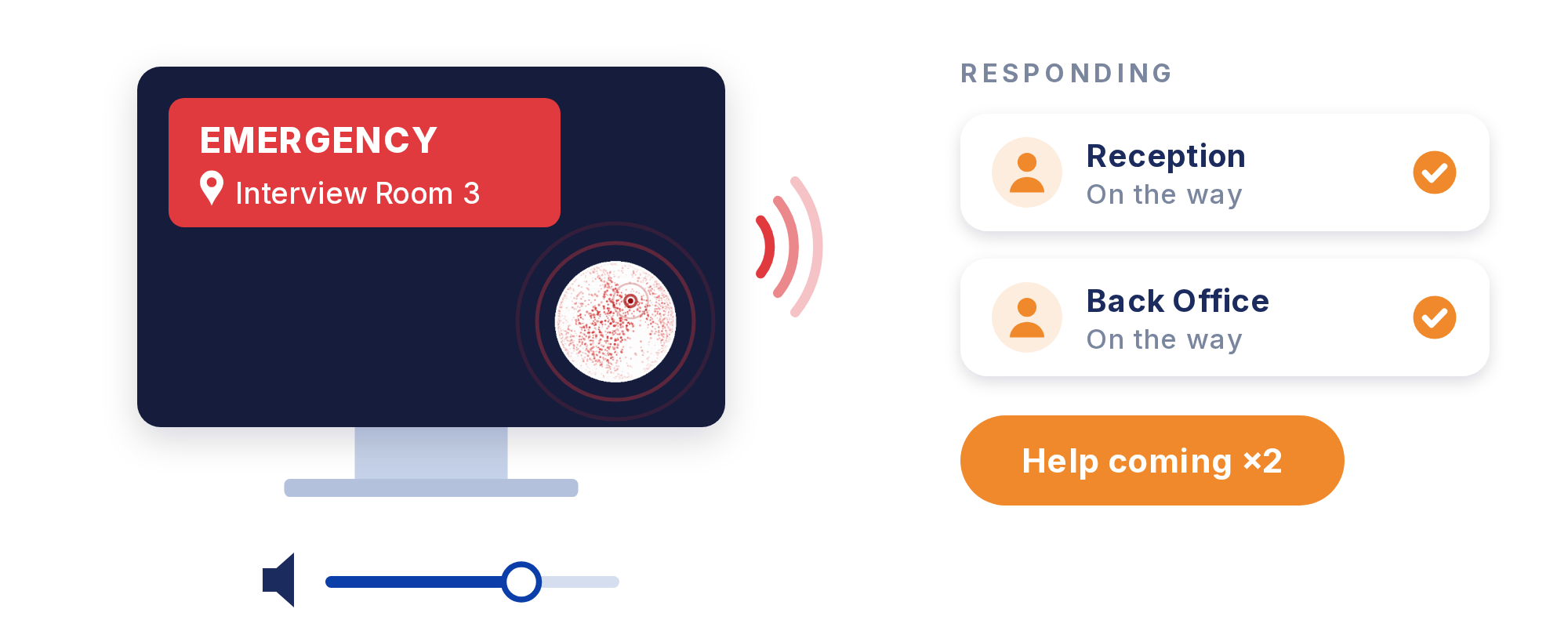
Double-click alert from the on-screen globe
The location is shown on every alert
Choice of alarm sounds, with adjustable volume
Live count of colleagues who are on their way
Everyday use
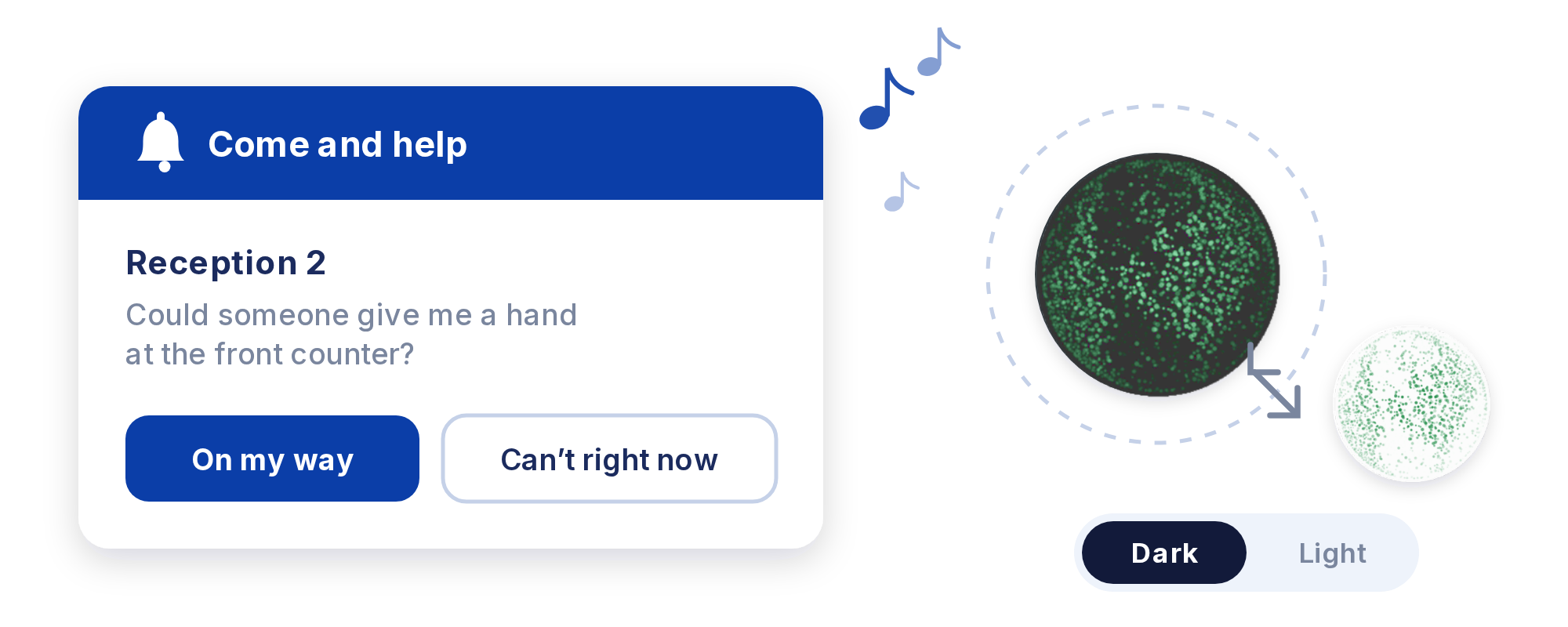
Non-urgent “come and help” requests with a gentle chime
Colleagues reply On my way or Can’t right now
Resizable globe that stays out of the way
Dark or light globe to suit your desktop
Runs quietly in the background
Setup and admin
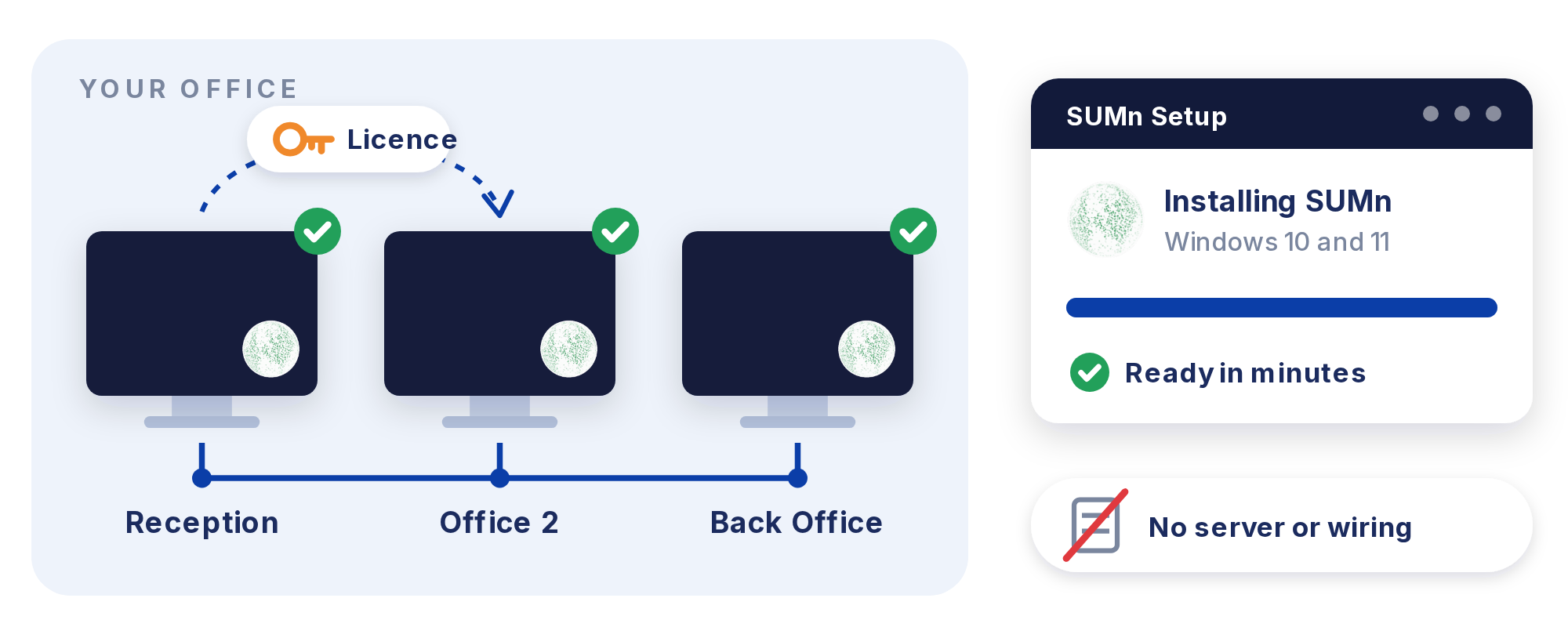
Installs on Windows 10 and 11 in minutes
Stations find each other automatically
New computers can pick up the licence from the network
No servers, wiring or electrician on site
Support
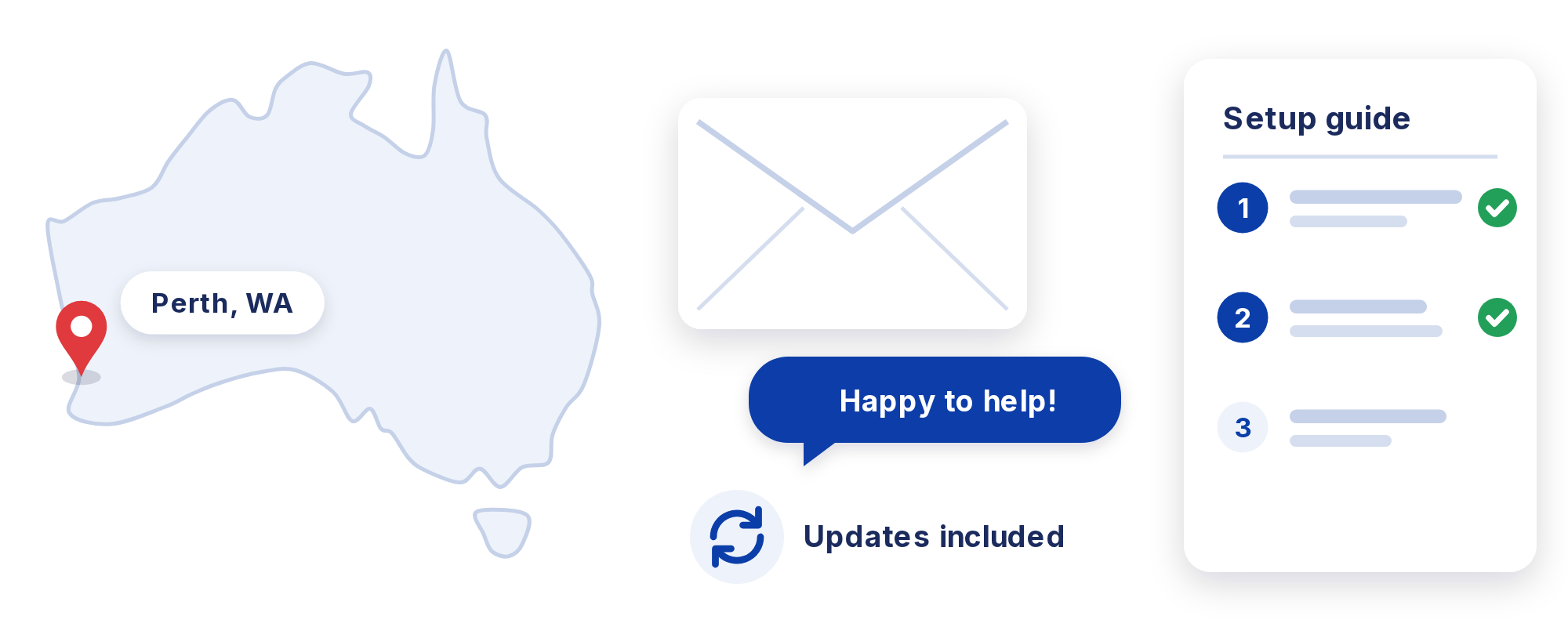
Australian-based email support
Step-by-step setup guide
Software updates included with your subscription
Built and maintained in Perth, Western Australia
What you need
A Windows 10 or Windows 11 PC for each station
Computers on the same local network
An internet connection for licence activation and updates
When in need, SUMn.
Set up in minutes on the Windows PCs you already have.
SUMn is a staff communication tool that helps colleagues get help to each other quickly. It is not a monitored alarm service and does not contact police, ambulance or security. In an emergency, call 000.